Waterpark Simulator Troubleshooting
Crashes, saves, performance, and settings fixes without guessing patch numbers.
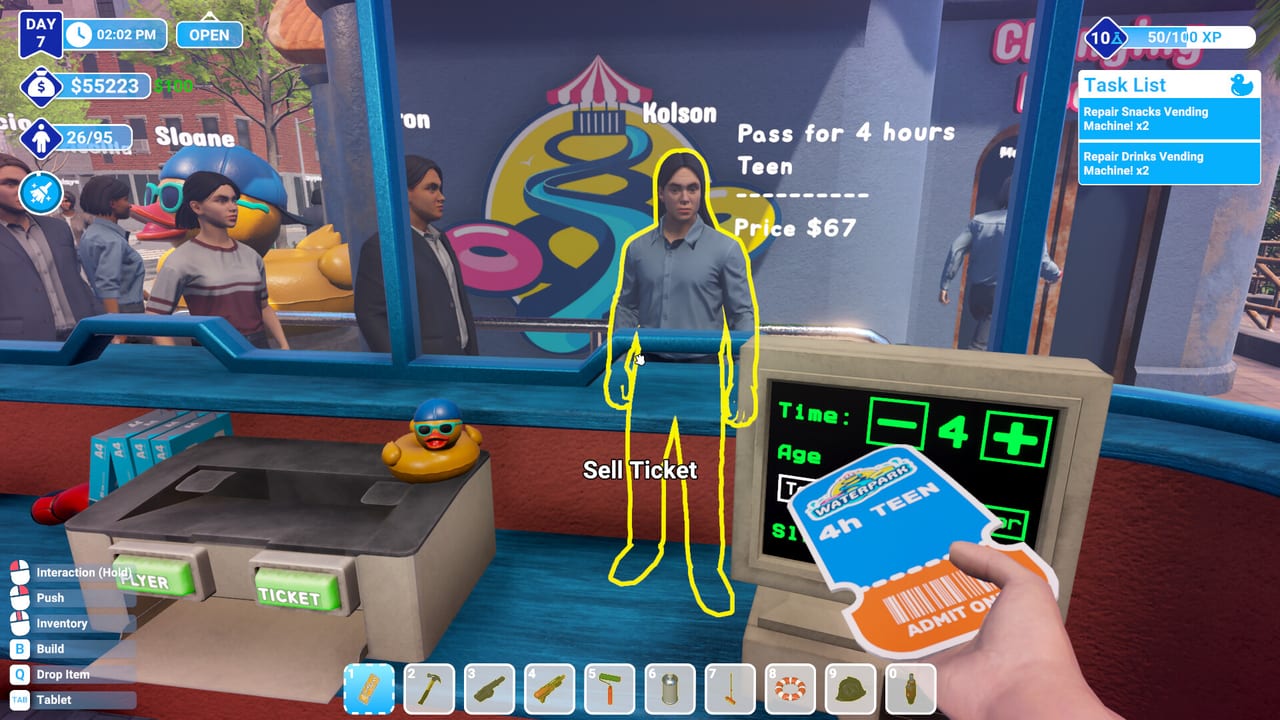
When the park breaks outside the game
Waterpark Simulator by CayPlay Studios is stable enough for daily management comedy, but version 1.0 (July 31, 2026) on Steam, PlayStation 5, and Xbox Series X|S at $12.99 still sees the usual PC gremlins: launch black screens, random crashes after long sessions, stutter when guest counts climb, and occasional save hiccups after power loss or co-op drops. This guide collects practical fixes—verify files, .bac backup recovery, performance habits, and settings toggles—without inventing patch build numbers or fake console error codes.
Pair hardware context with System Requirements. Handheld players should skim Steam Deck Controls for bind and performance notes. For gameplay loops after stability returns, return to Getting Started and the Official Links Hub.
Crash on launch or black screen
Symptoms: game exe starts, screen stays black, or instant return to desktop / home screen without a menu.
PC (Steam) steps:
- Verify game files: Steam library → Waterpark Simulator → Properties → Installed Files → Verify integrity of game files
- Update GPU drivers and Windows / Steam itself—management sims with water and crowd rendering stress older drivers first
- Disable overlays temporarily (Steam, Discord, GeForce Experience) and relaunch
- Run once without mods or injected tools; 1.0 expects the stock client
- If you use VPN or proxy software, test a clean launch offline
Console steps: check system software updates, fully quit the game, power cycle the console, and reinstall only if verify/update fails repeatedly. PS5 and Xbox Series X|S share the 1.0 feature set; black screens after suspend/resume often clear with a hard restart.
If black screens began immediately after a major update, read Version 1.0 Overview for feature context, then check Steam news or CayPlay announcements linked from the wiki hub before you wipe saves.
Random mid-session crashes
Long park days with large guest counts, custom slides, Beach props, night lighting, and 2–4 player co-op stress CPU and GPU harder than the tutorial lot. Crashes that appear only after hours of play often trace to heat, driver timeouts, or memory pressure—not corrupted quests.
Mitigations that help many players:
- Save at sensible boundaries—end of park day, after major builds—not only after crashes
- Lower graphics settings one step before mega expansions; busy parks are the real benchmark, not menu FPS
- Close background browsers and capture tools during co-op host sessions
- On PC, ensure the game installs on SSD storage if possible; mechanical drives stutter during asset streaming
- Reduce simultaneous co-op builders placing heavy props during peak guest hours
If crashes cluster around online co-op, test a solo save with the same map size. Network drops can look like crashes; stable solo play points to connectivity or host load instead of a broken park file.
Corrupted saves and .bac backup recovery
Symptoms: save missing from the load list, load hangs forever, or the park spawns broken geometry and unusable tools after a crash or power cut.
Waterpark Simulator writes backup copies alongside primary saves. Community recovery steps around 1.0 focus on .bac backup files in the same save folder as your main slot. Exact folder paths differ by platform; on Steam PC, browse local files from the library and locate the save directory CayPlay uses for your user ID.
Recovery workflow:
- Close the game completely before touching save files
- Copy the entire save folder somewhere safe (Desktop backup)
- Identify your main save and a matching
.bacbackup with a similar timestamp - Rename the corrupted main file aside (do not delete yet)
- Copy or rename the
.bacfile to replace the primary save name the game expects - Launch and load—expect to lose progress since the backup moment, not magic full repair
If no .bac exists, restore from your OS-level backup (File History, cloud sync) or accept the loss and start a new save—Beach map requires a new save anyway, so use disasters as a chance to pick difficulty deliberately via Difficulty Modes.
Never share save folders publicly; they can contain account paths. Report unrecoverable corruption on the official Discord linked from the wiki hub with platform and steps already tried.
Performance when the park grows
Starter lots run smoothly; five-star Beach districts with night mode, mascots, security patrols, and custom slide towers do not. Performance issues scale with guest count, water simulation, lights, and prop density—not because you “built wrong,” but because the sim is busy.
Practical tuning:
- Lower shadow and effects quality before you delete beloved slides
- Trim redundant decor that blocks paths but adds draw calls—see Decor Customization with ops in mind
- Split co-op roles so four players are not each spawning particles in the same pool deck
- Shorten night sessions if overtime lighting stacks with peak crowds
- Keep walking routes tight; sprawling Beach footprints increase simulation load and your commute
Compare your hardware to System Requirements using a busy save, not an empty morning. Steam Deck and low-power laptops may need aggressive settings and smaller parks; Steam Deck Controls covers handheld expectations without promising desktop FPS on maxed beaches.
Settings that prevent frustration (not crashes)
Some toggles reduce chaos without touching graphics:
- Guest sickness can be disabled in settings if medical mess distracts your household or triggers content discomfort—this does not change difficulty enum but removes one mess type
- Always Run on PC speeds gate-to-mop routes; see PC Controls
- Rebind tools if mouse hold actions fight your desk setup
- Turn off or shorten night mode until payroll can afford overtime—financial “lag” is still lag
Difficulty remains locked per save; settings tweaks will not convert an Easy lab save into a Hard trophy run. Start the correct mode at creation if achievements matter.
Platform-specific quick notes
Steam PC: verify files first, driver second, overlay third. Save backups live on disk—protect them before experimental file surgery.
PlayStation 5 / Xbox Series X|S: use system storage management to confirm the install is complete; corrupted installs mimic save corruption. Suspend/resume issues often clear with full quit.
Steam Deck / handheld PC: lower settings early, cap fps if available, and expect smaller parks than desktop mega-beaches. Read Steam Deck Controls before you remap critical mop and throw binds.
When to stop troubleshooting and play smaller
If verify, drivers, and .bac recovery still fail, start a fresh Normal save, rebuild the gate loop from Getting Started, and escalate to CayPlay via Steam discussions or Discord only with reproducible steps—not rage posts without platform info.
Many “broken” parks are actually unstable ops: wrong tickets, empty food, unmopped decks. Before you wipe a save, spend one park day fixing gate and cleaning; if performance and crashes persist on a tiny starter map, then focus on hardware and file recovery.
Linked reading
- Hardware bar: System Requirements
- Handheld binds: Steam Deck Controls
- Stable ops baseline: Getting Started
- Launch feature map: Version 1.0 Overview
- Official links and Discord: Official Links Hub
- Hub: Guides Hub
Frequently Asked Questions
Quick answers to the most common questions.
How do I verify Waterpark Simulator game files on Steam?
Steam library → Properties → Installed Files → Verify integrity of game files. Relaunch after verify completes before retesting crashes.
Can I recover a corrupted save?
Often yes via .bac backup files in the save folder. Back up everything, close the game, then rename or copy the .bac over the broken primary save.
Why does my park lag only in the late afternoon?
Guest count, water, lighting, and prop density peak during busy hours. Lower settings, tighten layouts, and test co-op load—not just empty-morning FPS.
Does disabling guest sickness fix performance?
It removes one mess type and can reduce chore load slightly, but major FPS gains usually come from graphics settings and smaller park footprints.
Should I reinstall on console for black screens?
Try full quit, system update, and power cycle first. Reinstall if problems persist after those steps and the game is fully updated.
Where are official support links?
Steam store news, CayPlay site, and the official Discord are indexed on the Official Links Hub wiki page—use those after local verify and backup steps fail.